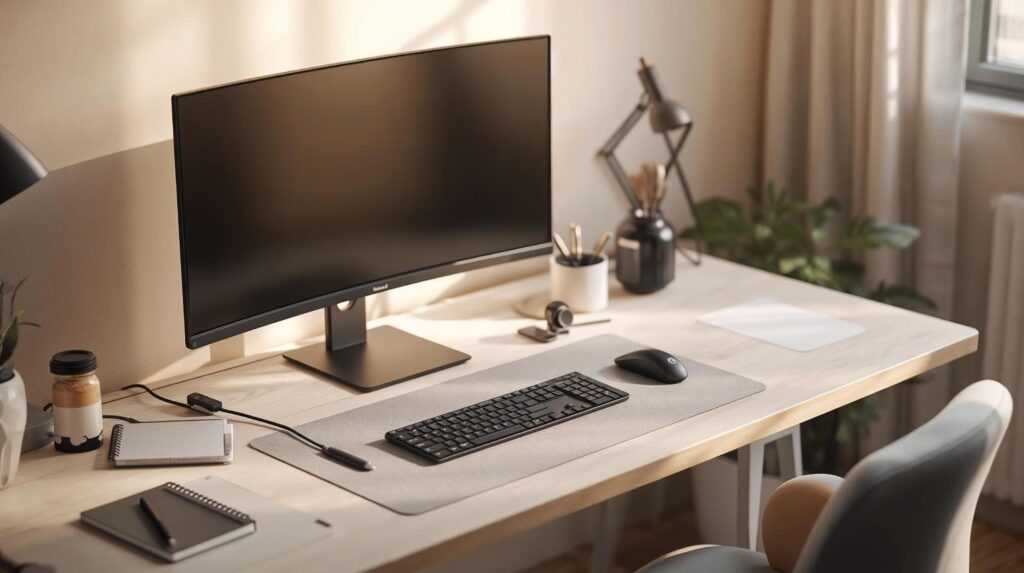
If you sit at a desk for long hours, pain sneaks up fast. Lower back gets sore. Neck gets tight. Wrists start to complain. And you start shifting around every few minutes because nothing feels right. A lot of this comes down to desk sitting pain caused by small setup mistakes you repeat every day.
Here is the thing. Most of the time, the problem is not you. It is your setup.
A small mismatch in chair height, screen height, or keyboard position can push your body into a position it cannot hold for hours. That is when discomfort turns into desk sitting pain.
This guide is for remote and hybrid work in a small to medium space. Laptop plus monitor. Clean desk. Professional look. No clutter.
Quick note: this is general information, not medical advice. If you have numbness, tingling, weakness, or pain that keeps getting worse, talk to a clinician.
Before you change anything big, do this quick check. It helps you spot the obvious issues fast.
Your body
- Feet are fully supported on the floor or on a footrest
- Knees are about level with hips or slightly lower
- Lower back is supported by the chair
- Shoulders feel relaxed, not raised
- Elbows stay close to your body, bent around 90 to 120 degrees
- Wrists stay straight while typing and using the mouse
This is basically a neutral sitting posture checklist used in many ergonomics guides.
Your screens
- Your main screen is straight in front of you
- The top of the screen is at or slightly below eye level
- The screen is about an arm length away
That monitor guidance is widely recommended in workstation ergonomics.
If you fix just these basics, many people feel better shortly.
7 Desk Sitting Pain – Mistakes and Simple Fixes
Most desk sitting pain comes from three things: bad support, awkward reach, and staying still too long. Fix those and the rest gets easier.
Mistake 1: Your chair height makes your feet dangle
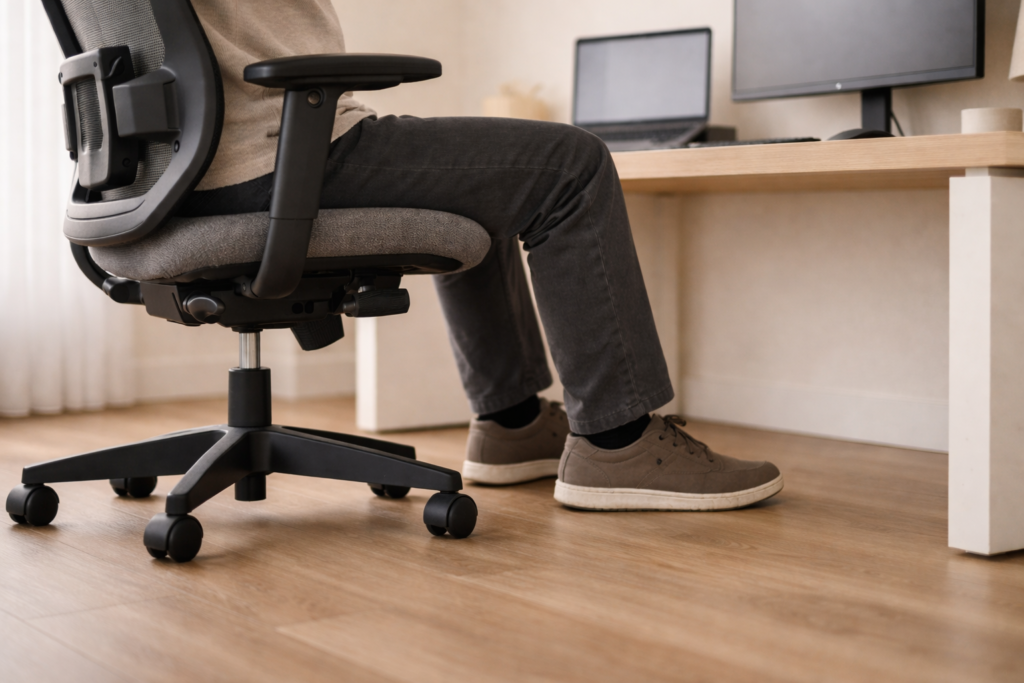
This is one of the most common problems in home setups.
If your chair is too high, your feet lose support. Your thighs take extra pressure. Your pelvis can tilt. Your lower back works harder than it should.
Common signs
- Pressure under your thighs
- Lower back fatigue after 30 to 60 minutes
- You keep sliding forward on the seat
Simple fixes
- Adjust chair height until your feet are flat
- If the desk is too high and you must raise the chair, add a footrest so your feet are supported
- Keep knees at about hip level or slightly below
Feet support and joint angles around 90 degrees or slightly higher are common baseline guidance for sitting.
Mistake 2: No real lower back support, or it hits the wrong spot
Many chairs have lumbar support, but it does not help if it is too low, too high, or you are not sitting back.
Common signs
- Achy lower back that builds through the day
- You feel fine for 10 minutes, then slouch
- You sit on the edge of the chair without meaning to
Simple fixes
- Sit back so your back contacts the backrest
- Adjust lumbar support so it sits in the natural curve of your lower back
- Check seat depth. Leave a small gap between the back of your knees and the seat edge
If your lower back still hurts after you fix chair height and lumbar contact, the chair may be the limit. Some chairs just do not support a long workday. This guide on Best Ergonomic Chairs for Lower Back Pain ↗, breaks down what matters most, like seat depth, lumbar shape, and recline support.
That knee gap and general neutral posture guidance is a standard recommendation in sitting ergonomics references.
Also, do not force a rigid upright posture all day. A supported recline is often more comfortable for long sitting. Cornell ergonomics guidance commonly points to a reclined posture around 100 to 110 degrees as a better sustained posture than a strict upright 90 degree posture.
Mistake 3: Your screen is too low, so your neck does extra work
Neck pain is often a screen height problem, not a willpower problem.
If you look down for hours, your neck stays bent. Muscles stay loaded. Shoulders creep up.
Common signs
- Neck stiffness
- Tight traps or shoulders
- Headaches after screen time
Simple fixes
- Raise your main monitor so the top is at or slightly below eye level
- Keep the center of the screen slightly below eye level so your gaze drops naturally
- Place the screen about an arm length away
If you keep stacking books to get the screen higher, it gets messy fast. A clean monitor arm makes screen height easier to dial in and frees desk space. See Best Monitor Arms for Home Office Setups ↗ for options that fit small desks.
OSHA recommends the top of the monitor at or slightly below eye level, and a natural downward viewing angle.
Mistake 4: Laptop plus monitor setup that twists your body
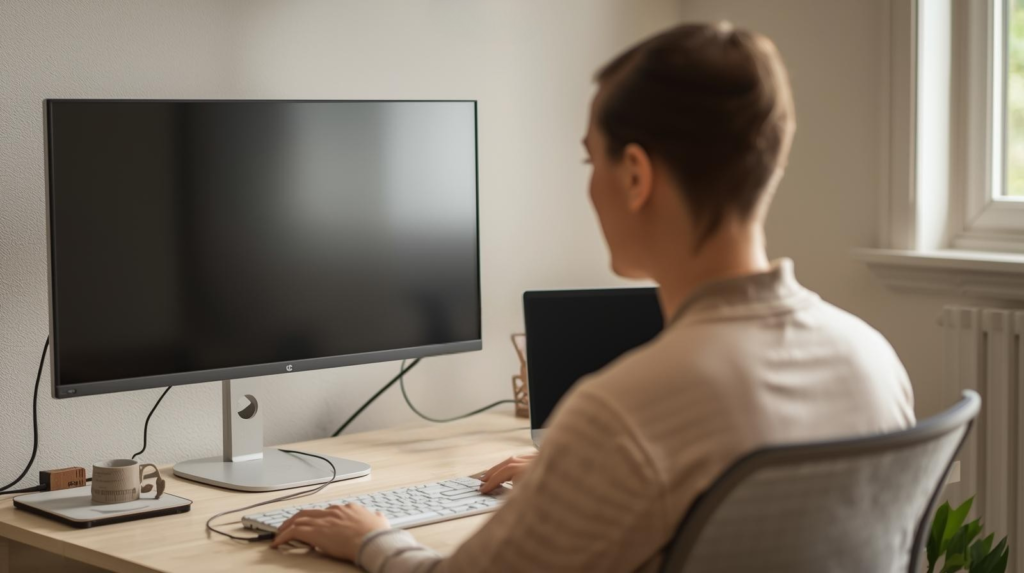
You have a laptop and a separate monitor. Great. But many people keep typing on the laptop keyboard while looking at the external monitor off to the side.
That creates a twist. Neck turns one way. Hands face another way. One shoulder takes more load.
Common signs
- One side of the neck feels tighter than the other
- One shoulder gets sore
- You feel like you are always slightly turned
Simple fixes
- Pick a main screen. Make it the external monitor in most cases
- Put that main screen straight in front of you
- Keep the keyboard and mouse centered with the main screen
- Move the laptop to the side as a secondary screen
If you must type on the laptop keyboard, then the laptop needs to be centered in front of you. And the external monitor should be positioned so you are not turning your head all day.
If you want the easiest long hours solution, use an external keyboard and mouse. That lets you place screens where they should be, without forcing your arms into awkward angles. This is a common recommendation for laptop workstation comfort guidance.
Small space tip
If your desk is narrow, you do not need bigger furniture. You need better stacking. Put the laptop on a riser and place the keyboard in front. Or place the laptop to the side and keep only the main screen centered.
If you use a laptop next to a monitor, the laptop screen often sits too low. A simple stand helps lift it so you are not looking down all day. Best Laptop Stands for Better Posture ↗ covers the main types and which ones work on compact desks.
Keep it simple. The goal is straight ahead viewing and relaxed arms.
Mistake 5: Keyboard and mouse are too far away
When your input devices are far, you reach. When you reach, shoulders move forward. Upper back works harder. Wrists bend more.
Common signs
- Upper back tiredness
- Shoulder pain
- Wrist discomfort
- You rest your forearms on the desk edge to cope
Simple fixes
- Pull the keyboard and mouse closer so elbows stay near your sides
- Keep elbows bent around 90 to 120 degrees
- Keep wrists straight and in line with forearms
Neutral wrist and elbow positioning is part of many neutral sitting posture guidelines.
Clean desk note
This is also where cable control helps. If cables pull your keyboard forward or force your mouse into a weird spot, your body pays the price. Route cables so your devices can sit where your hands want them.
Cables can quietly pull your keyboard and mouse out of place, so you end up reaching without noticing. A clean cable route keeps your input gear where it belongs and makes the desk feel calmer. Start with Cable Management Essentials for a Zero Wire Desk ↗.
Mistake 6: Armrests force you to shrug, or they are not helping at all
Armrests can help. Or they can make things worse.
If armrests are too high, you shrug all day. If they are too low, you hover your arms. Both can cause shoulder and neck tension.
Common signs
- Shoulders feel raised
- Neck tightness builds
- Forearms feel unsupported
Simple fixes
- Adjust armrests so shoulders stay relaxed
- Keep elbows close to your body
- If armrests do not fit your desk height, lower them or move them out of the way and rely on correct desk height and close keyboard placement
Mistake 7: You sit still for too long, even if the setup is good
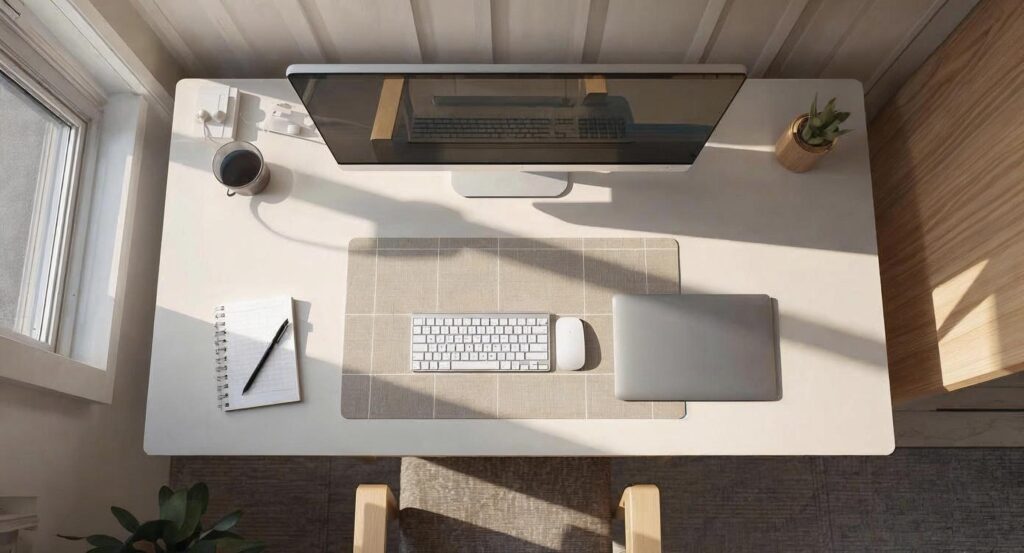
Even a good posture becomes uncomfortable if you lock it in for hours.
Your body is not built for one position all day. It is built for change.
Common signs
- Stiff hips
- Tight lower back
- You feel better after getting up for a minute
Simple fixes
- Change position often. Small shifts count
- Recline a bit, then come back up
- Stand for a minute during calls
- Take short breaks to reset your posture
If your eyes feel tired too, consider a simple screen break habit.
Quick fixes for desk sitting pain by pain type
Use this section like a shortcut.
If your lower back hurts
- Make sure feet are supported
- Sit back into the backrest
- Adjust lumbar support height
- Check seat depth and keep a small gap behind knees
- Try a slight recline with support instead of rigid upright
If your neck and shoulders hurt
- Raise the main monitor
- Put the main screen straight ahead
- Bring keyboard and mouse closer
- Stop twisting between laptop and monitor
If your wrists hurt
- Pull keyboard and mouse closer
- Keep wrists straight, not bent up or down
- Keep elbows near your sides
- If the desk edge is sharp, add a soft desk mat so you do not compress your forearms
A clean desk ergonomics checklist for small spaces
You do not need a lot of gear. You need a layout that lets your body relax.
- Keep the center of the desk clear
- Put the main screen centered
- Keep keyboard and mouse close
- Keep daily items within easy reach
- Route cables so nothing pulls your devices out of position
- Keep lighting simple and avoid screen glare
FAQs
How far should my monitor be?
Many ergonomics guides suggest about an arm length. Mayo Clinic guidance also describes monitor distance ranges and keeping the top of the screen at or slightly below eye level.
Should I sit upright all day?
Not really. Most people do better with support and small changes in posture. Cornell ergonomics resources often describe a supported recline around 100 to 110 degrees as a comfortable posture compared with rigid upright sitting.
What is the biggest mistake with laptop plus monitor?
Typing on the laptop keyboard while looking at a monitor off to the side. It encourages twisting. Center your main screen and your input devices, or use an external keyboard and mouse so you can position screens correctly.
If I can fix only one thing today, what should it be?
Make your main screen straight ahead at the right height, then bring keyboard and mouse close. Those changes reduce neck strain and reaching, which affects shoulders, upper back, and wrists.
Simple takeaway
Desk sitting pain is usually a setup problem.
Start with feet support, lumbar support, and screen height. Then fix the laptop plus monitor twist. Keep keyboard and mouse close. And move more during the day.
You do not need a fancy office. You need a setup that lets you sit in a neutral position and change it often.
Sources and references
- OSHA computer workstation monitor guidance ↗.
- Cornell University ergonomics guidance on sitting and preferred recline ↗.
- Mayo Clinic office ergonomics monitor distance and height ↗.