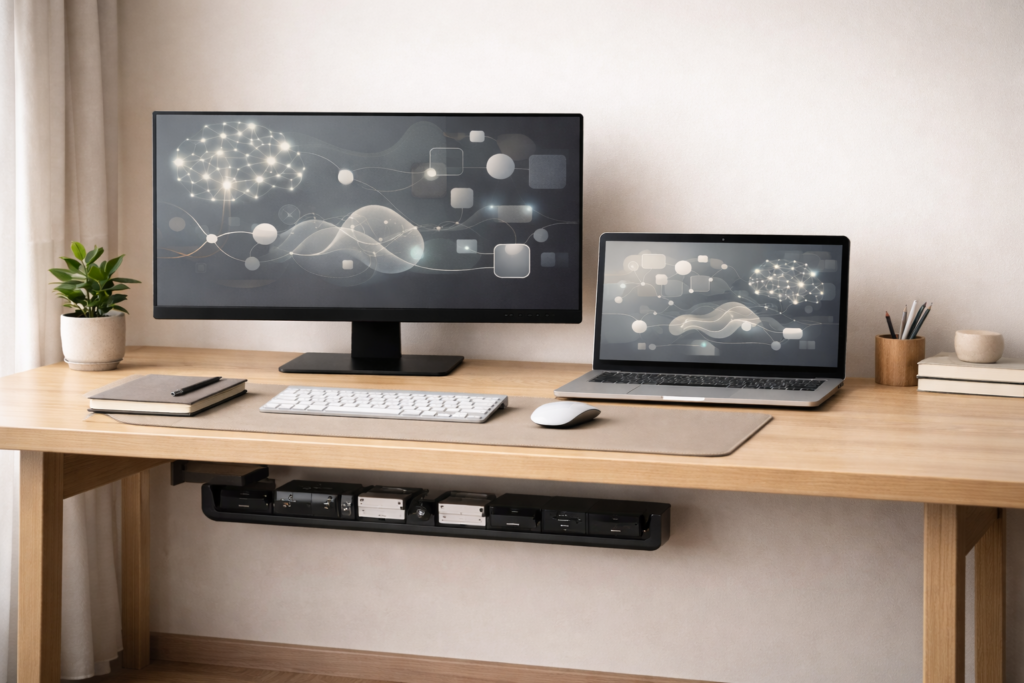
A clean desk isn’t just about aesthetics it’s about focus, efficiency, and control over your workspace. If cables are tangled, visible, or constantly in your way, your desk will never truly feel organized.
These cable management essentials help you hide desk cables, reduce clutter, and build a true zero-wire desk where everything works, but nothing is visible.
This guide shows:
- The exact tools you need
- How to set them up
- How to keep your desk clean long-term
Affiliate disclosure: As an Amazon Associate, DeskSetupHub earns from qualifying purchases. If you click an Amazon link and buy, we may earn a commission at no extra cost to you.
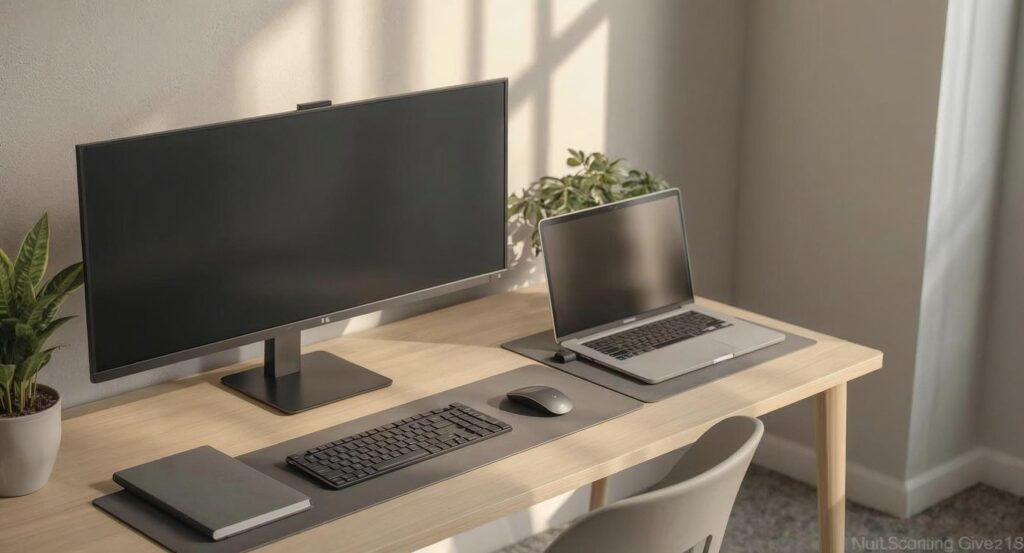
A zero-wire desk does not mean no cables. It means:
- No visible wires
- No cables hanging behind your desk
- No clutter under your setup
Everything is:
- Routed with intention
- Hidden under or behind the desk
- Easy to access when needed
If you are working with limited space, start here: Small space setup guide ↗.
Why Cable Management Improves Your Setup:
Cable clutter creates visual friction your eyes catch on mess, and your brain stays slightly “on alert.”
A properly managed setup helps with:
- Easier cleaning less dust traps
- Better airflow around power bricks/adapters
- Fewer accidents no yanking gear off the desk
- Faster troubleshooting when something disconnects
For a complete setup, combine this with Best Monitor Setup for Productivity ↗.
To complement these cable management essentials with comfort, OSHA’s computer workstation ergonomics guidance ↗, helps you fine-tune monitor height, posture, and desk layout for longer focus sessions.
The 5 Cable Management Essentials (Zero-Wire Setup Tools)
Below are the core cable management tools that give you the “floating” look without turning maintenance into a nightmare:
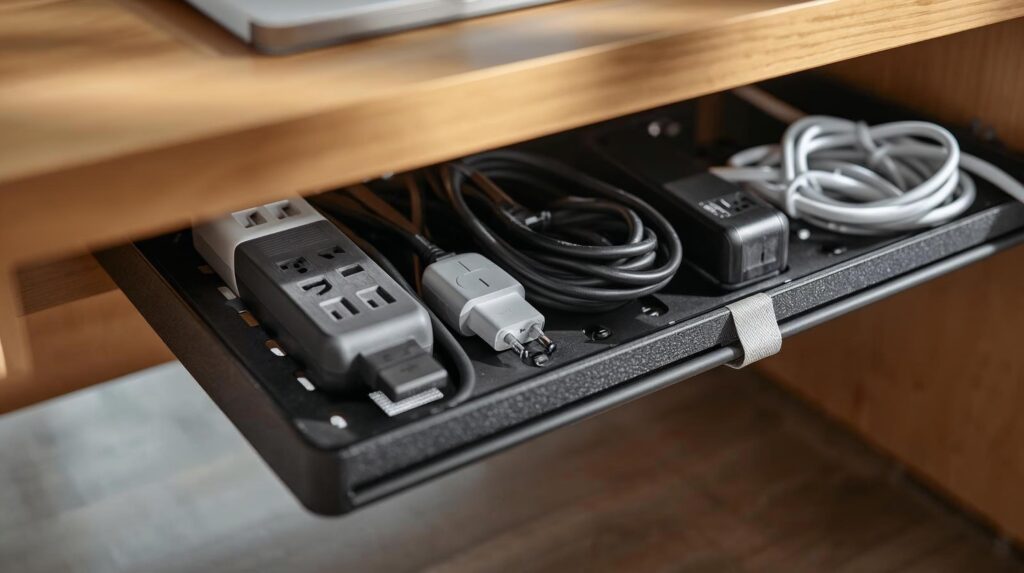
1) Under-Desk Cable Management Tray (Foundation of a Zero-Wire Desk):
This is where everything starts. It holds:
- Power strip
- Adapters
- Extra cable length
👉 No-Screw Under Desk Cable Management Tray ↗.
Key features to look for
- Steel/mesh build (sturdy + airflow)
- Enough width for a power strip + adapters
- Mounting style: screw-in or clamp-on
👉 No-Drill Under Desk Cable Management Tray for Standing Desk ↗.
why this matter
- Hides the biggest mess instantly
- Keeps the floor clean
- Improves airflow vs. piles on the carpet
Best for: Anyone using a monitor + laptop + multiple chargers.
👉 Check more options: Under desk cable try ↗.
2) J-Channel Cable Raceway (Best for Hiding Runs):
J-channels are rigid tracks that stick under the back edge of the desk or along a leg. You tuck cables inside so they disappear.
Key features to look for
- Strong adhesive backing
- Wide enough for multiple cables
- Easy open/close access
👉 Check YECAYE 94.2in Cable Management ↗.
Why this matter
- Clean look with quick access
- Great for long cable runs
👉 Check EVEO Cable Hider Wall 306” ↗.
Watch for
- Adhesive can fail on dusty/rough surfaces (prep matters)
Best for: Desks where cables are visible from the back or side.
👉 Check more buying options: Cable raceway ↗.
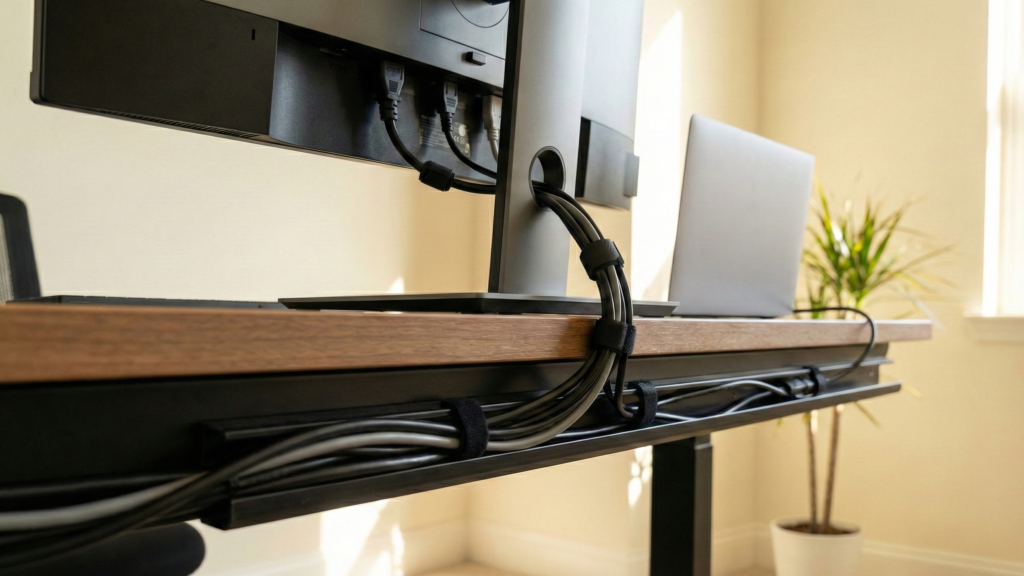
3) Velcro Cable Ties (The Reusable Hero):
Velcro ties bundle cables neatly without damaging them. They’re adjustable and easy to reopen when you add new gear.
Key features to look for
- Reusable hook-and-loop
- Multiple lengths
- Soft material (safer for cables)
👉 Check Velcro Brand Reusable Cable Ties ↗.
Pros
- Easy upgrades later
- Less risk than zip ties
👉 Check Adjustable Cord Straps Wire Organizer ↗.
Cons
- Doesn’t look as “ultra-tight” as zip ties (but it’s smarter)
Best for: Everyone especially setups that change often.
👉 Check more buying options: Velcro cable ties ↗.
4) Power Strip Mounting Kit (One-Wire Rule Enabler):
Mount your power strip under the desk so your cables go up into the tray, not down to the floor.
Key features to look for
- Brackets or heavy-duty mounting tape
- Secure hold (important for heavier strips)
- Space for the switch to remain reachable
👉 Check SOULWIT 5-Pack Self Adhesive Power Strip Holder ↗.
Pros:
- Removes the biggest visual offender
- Helps achieve the “one cable to the wall” look
👉 Check Adhesive Punch-Free Socket Holder ↗.
Cons:
- Poor tape = power strip falls (use proper mounting)
Best for: Anyone trying to reduce floor clutter fast.
👉 Check more buying options: Power strip mounting kit ↗.
5) Weighted Cable Holders (Keeps Daily Cables in Place):
For cables you unplug daily (phone charger, laptop charger), holders stop them sliding behind the desk.
Key features to look for
- Weighted base or strong adhesive
- Slots that fit your common cables
- Grippy silicone material
👉 Check Compact and Weighted Desktop Cord Holder ↗.
Pros
- Instantly reduces daily annoyance
- Keeps the desk surface tidy
👉 Check Desktop Cable Organizer Eco-Friendly Silicone ↗.
Cons
- Too many holders can clutter your desk (use 1–2 max)
Best for: Phone + laptop users who constantly plug/unplug.
👉 Check more buying options: Weighted Cable Holders ↗.
A good stand improves cable flow too here are the best laptop stands for home office ↗, if you want cleaner charging, docking, and desk spacing.
Step-by-Step: How to Hide Desk Cables (Clean System):
Step 1: Clear everything
Unplug every cable. You need a blank canvas.
Step 2: Mount the power strip under the desk
Place it near the back-center (or back-left/right if your wall outlet is on one side).
Step 3: Install the cable tray
Put the tray close to the power strip so power bricks and excess lengths live in one hidden zone.
Step 4: Route “main lines” first
Start with monitor power, monitor video cables, and PC/laptop power.
For cleaner routing, see: Best Monitor Arms for Home Office Setups ↗.
Step 5: Add raceways for visible runs
Use J-channels along the back edge and/or down one desk leg for the cleanest vertical path.
Step 6: Bundle by destination
Use Velcro ties to group cables:
- Monitor group
- Laptop/charging group
- Accessories group (speakers, webcam, etc.)
Step 7: Apply the “one-wire rule”
Your goal: only one cable leaving the desk (the power strip cord to the wall).
Pro finish tip: If that final cable is still visible, use a cable sleeve that blends into your wall/floor color.
Advanced Cable Management Techniques (Pro Finish):
- Braided cable sleeves for long runs (clean, premium look)
- Desk grommets for neat pass-through (especially for monitor/laptop cables)
- Right-angle connectors to reduce cable protrusion behind devices
- Color-coded tags (or labels) to identify cables fast
These upgrades matter most for content creators, multi-monitor setups, and clean “studio” style desks.
How to Maintain a Clean Desk Setup
Cable management isn’t a one-time task. It’s a system.
Best practices:
- Do a quick monthly tension check
- Remove unused chargers and adapters
- Re-route after adding new devices
- Avoid over-tightening bundles (leave a little slack)
Pair these guides with: Essential Desk Accessories for a Minimal Home Office ↗.
Common mistakes to avoid:
❌ Over-bundling everything into one thick cable snake
❌ Leaving the power strip on the floor
❌ Using zip ties everywhere (hard to upgrade later)
❌ Blocking airflow around power bricks
❌ Forgetting future expansion (leave space in tray/raceway)
Since a zero-wire desk depends on mounting and hiding power safely, the UL guide to power strips and surge protectors ↗, is a helpful reference when choosing a strip and planning under-desk routing as part of your cable management essentials.
Standing Desk Cable Management Tips:
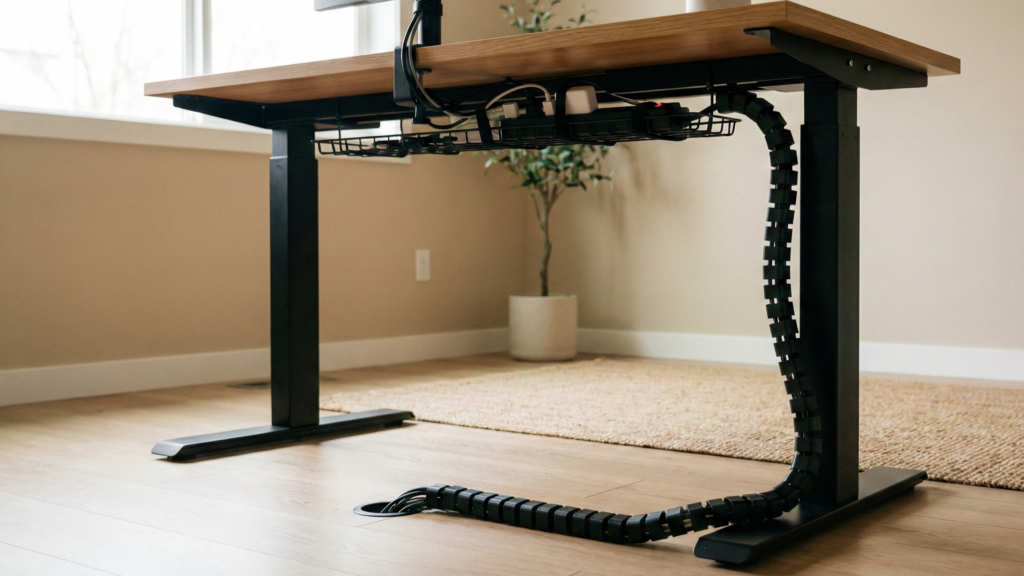
Standing desks need slack and a plan for vertical movement.
👉 Check Under Desk Cable Management Vertebrae ↗.
- Always route cables at maximum desk height first
- (If you manage at sitting height, cables can snag when you stand.)
- Use a cable spine (flexible vertical manager) to guide the main cable run
- Keep power bricks in the tray and leave controlled slack for movement
👉 Check more buying options for: Cable spine ↗.
FAQs:
1) What’s the best way to start cable management?
Start with a cable audit: unplug everything and route cables one by one. It’s faster than untangling an existing mess.
2) Can I achieve a zero-wire desk without drilling?
Yes. Many tools are adhesive or clamp-on, including raceways and clamp trays. (Surface prep is important for adhesive.)
3) Is it safe to bundle power cables with data cables?
For most home setups, it usually works fine. If you want to reduce the chance of interference, avoid long parallel runs—cross them at 90° when possible.
4) How do I manage cables on a standing desk?
Manage cables at the desk’s highest position, then ensure you have enough slack. A cable spine or flexible sleeve helps the vertical run.
5) Why use Velcro ties instead of zip ties?
Velcro ties are reusable and adjustable, which is ideal when your setup changes. Zip ties are harder to modify and can be over-tightened.
Final Thoughts
A zero-wire desk isn’t about perfection it’s about intentional and controlled design.
Start with the right cable management essentials. Use simple tools. With the right cable management essentials and a simple routing system, you can build a clean, professional workspace that stays organized long-term.