The best ergonomic chairs for home office work are not just about comfort. They help support better posture, reduce lower-back strain, and make long work sessions more manageable. In this guide, you’ll find 6 strong picks across premium, mid-range, and budget categories, plus a simple checklist to help you choose the right chair for your body and workspace.
A good ergonomic chair should help you sit with supported lower back, relaxed shoulders, and a posture you can change throughout the day. That matters because even the best chair is not meant to keep you locked in one position for hours.
Affiliate disclosure: As an Amazon Associate, DeskSetupHub earns from qualifying purchases. If you click an Amazon link and buy, we may earn a commission at no extra cost to you.
If lower-back support is your top priority, also read Best Ergonomic Chairs for Lower Back Pain ↗. If you are still deciding between chair styles, see Ergonomic Chairs vs Gaming Chairs ↗. And if you want a premium-brand comparison, check Herman Miller Embody vs. Steelcase Gesture ↗.
Quick comparison
Quick Comparison
| Chair | Best for | What stands out | Amazon |
|---|---|---|---|
| Herman Miller Aeron | Best overall premium mesh | 8Z Pellicle + PostureFit SL + multiple sizes | Check price on Amazon |
| Steelcase Leap | Best for all-day adjustability | LiveBack + strong lumbar adjust options | Check price on Amazon |
| Haworth Fern | Best flexible back support | Wave Suspension + “moves with you” feel | Check price on Amazon |
| Humanscale Freedom | Best minimal-adjustment feel | Self-adjusting recline + constant support | Check price on Amazon |
| Branch Ergonomic Chair | Best value (direct-to-consumer) | Balanced features + return policy | Check price on Amazon |
| IKEA MARKUS | Best budget pick | Solid basics + breathable mesh | Check price on Amazon |
If you are trying to find the best ergonomic chairs for home office setups, start with fit first. Lumbar support, seat depth, and armrest position matter more than hype.
Price Range Comparison
| Chair | Typical Price Range (USD) | Notes |
|---|---|---|
| Herman Miller Aeron | $700 – $1,800 | Deals can drop near $700; new configs often $1,200+ |
| Steelcase Leap (V2) | $800 – $1,400 | Commonly ~$900–$1,200 new; refurbished lower |
| Haworth Fern | $1,100 – $1,500+ | Starts ~$1,200 depending on config |
| Humanscale Freedom | $900 – $1,300 | Varies based on upholstery and headrest |
| Branch Ergonomic Chair | $300 – $400 | Stable pricing range (DTC brand) |
| IKEA MARKUS | $150 – $300 | Usually stays in lower budget range |
The 6 best ergonomic chairs for home office
1) Herman Miller Aeron – Best overall premium mesh
The Aeron is a long-time benchmark for ergonomic seating, especially if you prefer a high-end mesh chair. It’s designed around pressure distribution and spinal support features like 8Z Pellicle and PostureFit SL, and it’s offered in multiple sizes so you can match the chair to your body.
Why it stands out
- Excellent breathability for long sessions (mesh-style support)
- Multiple size options for better fit
- Strong long-term coverage (12-year warranty)
Good to know
- Premium investment category
- Fit matters a lot choose the right size and adjust it properly
- It tends to suit buyers who already know they want a premium mesh chair
Best for: People who want a premium mesh chair with long-term ownership potential.
2) Steelcase Leap – Best for all-day adjustability
If you want a chair that supports frequent micro-adjustments, the Leap line is known for Live Back design and lumbar controls (including a height-adjustable lumbar and a firmness dial for lower back feel).
Why it stands out
- Strong back support design + lumbar adjustability
- Made for long workdays
- Steelcase describes a 12-year parts and labor warranty for Leap chairs (region/terms apply).
Good to know
- Best results come from setting it up carefully (seat depth + lumbar + arm height)
- It is not cheap, but it often feels easier to recommend than more niche premium chairs
Best for: Most home office users who want dependable ergonomic support and lots of adjustment options.
3) Haworth Fern – Best flexible back support
The Fern is built around Haworth’s Wave Suspension System, designed to flex with your movement while supporting the back. If you dislike stiff backrests, Fern often appeals because of that responsive feel.
Why it stands out
- Backrest feels more flexible and natural
- Strong premium design with movement-friendly support
- Appealing to people who want ergonomics without a rigid feel
Good to know
- Configuration options can vary
- It is still a premium chair, so value depends on your budget and fit preferences
Sustainability note
- Haworth highlights sustainability aspects in the Fern line.
Best for: People who want posture support with a more natural, less rigid back feel.
4) Humanscale Freedom – Best “minimal adjustment” feel
The Freedom is built around the idea of automatic support (less “knob-tuning,” more “sit and work”), with Humanscale emphasizing recline support and a pivoting backrest that adjusts as you move. Warranty coverage is advertised as 15 years (check your local region’s terms).
Why it stands out
- Cleaner, simpler user experience
- Recline behavior is a big part of the comfort
- Good option for users who do not enjoy constant fine-tuning
Good to know
- “Less manual adjustment” does not mean “perfect for everyone”
- You still need to get desk height, arm height, and monitor position right
Best for: People who want an ergonomic chair that feels simple to live with.
5) Branch Ergonomic Chair – Best value direct-to-consumer
The Branch Ergonomic Chair is a value-focused option that gives many buyers a more affordable entry into the ergonomic chair category. Branch highlights eight points of adjustment and a 7-year warranty for this chair on the product page.
Why it stands out
- Accessible price tier compared with premium flagships.
- Return policy supports at-home testing (keep packaging/condition requirements in mind)
- Better fit for buyers who want ergonomic basics without going ultra-premium
Good to know
- Like any chair, comfort is personal use the return window to verify fit
- Return policies and warranty terms should always be checked before ordering
Best for: Buyers who want a practical ergonomic chair with decent feature depth and lower upfront cost.
6) IKEA MARKUS – Best budget pick
The IKEA MARKUS stays popular because it gives budget buyers a decent starting point without dropping into junk-tier office seating. IKEA lists a 10-year guarantee for MARKUS and notes the mesh back helps airflow during long sitting sessions.
Why it stands out
- Mesh back helps with airflow
- Strong value for the money
Good to know
- Fewer fine-tune options than premium ergonomic chairs
- It is best treated as a solid budget chair, not a premium ergonomic substitute
Best for: Students, new remote workers, and budget-conscious buyers setting up a home office.
How to choose the right ergonomic chair
Choosing the best ergonomic chair for home office use comes down to fit, adjustability, and how long you actually sit each day.
1) Lumbar support (don’t skip this)
Lumbar support is the feature that most directly affects all-day comfort, because it helps keep your lower back supported instead of collapsing into a rounded posture. If this is your main issue, start with chairs designed for lower back pain ↗ then come back here to compare adjustability, materials, and warranty.
2) Seat depth and seat edge comfort
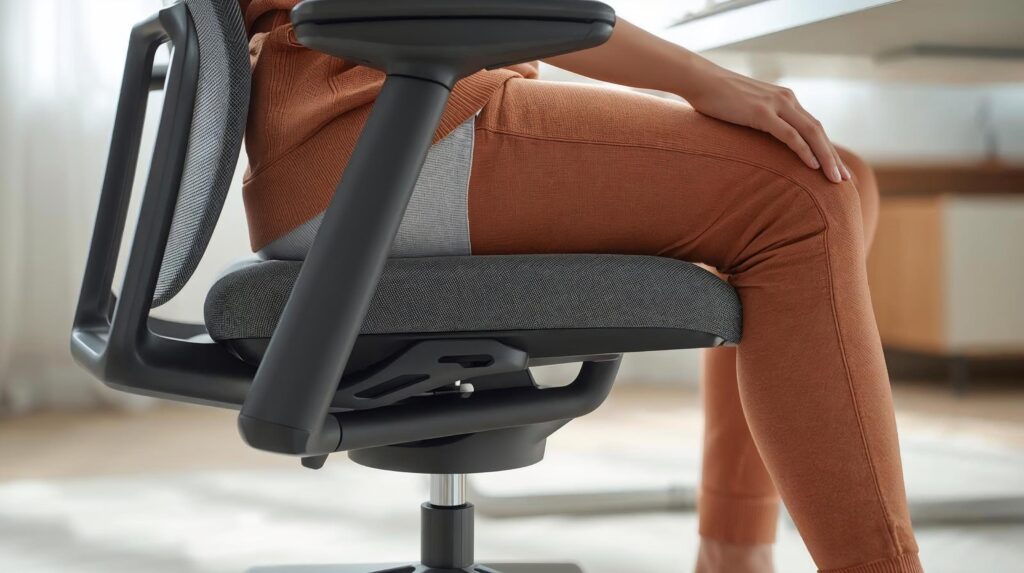
Aim for a gap behind the knees so the seat edge doesn’t press into the back of your legs. NIH ergonomics guidance commonly references leaving space behind the knees (the “gap” concept) and avoiding pressure at the thighs.
3) Armrests that help, not hurt
Armrests should let your shoulders stay relaxed while elbows are comfortably bent. If armrests force shrugging, they’ll create tension.
4) Breathability and climate
If you run hot (or live in a warm climate), mesh backs can make a noticeable difference for long sessions.
5) Warranty and return policy
A chair may look great on paper, but comfort is still personal. Warranty coverage and return policies matter, especially when ordering online. Coverage can vary by seller, country, and configuration, so always verify the final policy before buying.
Proper ergonomic sitting position (quick setup checklist)
Even the best ergonomic chair won’t help if your workstation setup is off. Use this quick baseline:
- Feet: flat on the floor (or use a footrest if your chair height can’t go lower).
- Knees/hips: comfortable bend; avoid pressure under thighs.
- Lower back: supported by the backrest/lumbar area.
- Monitor: about an arm’s length away; top of screen at or slightly below eye level. If your screen won’t reach the right height on its stand, best monitor arms for home office ↗ can make positioning much easier.
- Movement breaks: change posture and stand/walk periodically during the day.
Common mistakes to avoid
- Buying without a fit plan: measure desk height and consider seat height range before ordering.
- Never touching the adjustments: a chair isn’t ergonomic until you set it up.
- Staying still for hours: even with great posture, prolonged static sitting isn’t ideal build movement into your day.
- Letting cable clutter ruin your setup: messy cables pull gear out of position and create a cramped reach zone use these cable management essentials ↗ to keep everything tidy and easier to adjust.
Maintenance and care (simple)
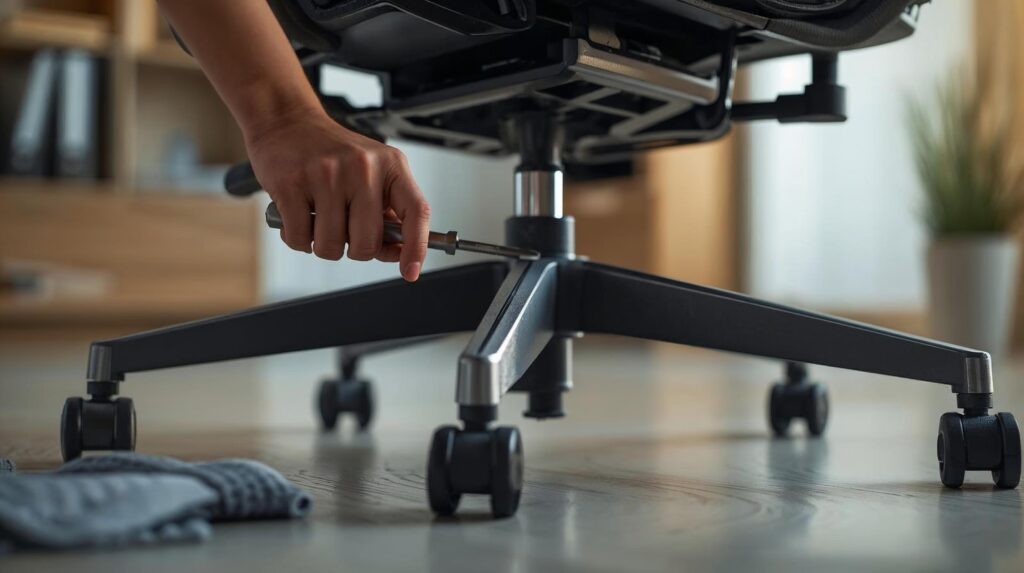
- Vacuum/wipe surfaces regularly
- Check and tighten hardware occasionally
- Address squeaks or friction early (follow manufacturer guidance)
My top recommendation
If you want a single “best for most people” pick, the Steelcase Leap is hard to beat because of its back support design and lumbar options (plus the long warranty coverage) For most people, it’s one of the best ergonomic chairs for home office work because it fits a wide range of body types and sitting styles.
If you want premium mesh and multiple sizing, the Herman Miller Aeron is a top-tier choice with a 12-year warranty.
And if you’re building a budget setup, IKEA MARKUS is a strong entry point with a 10-year guarantee in many regions.
FAQs
What’s the #1 feature to prioritize in an ergonomic chair?
Lumbar and back support + adjustability. If your lower back isn’t supported, discomfort tends to show up fast.
How far should my monitor be from my face?
Mayo Clinic suggests keeping the monitor about 20–40 inches (50–100 cm) away, roughly arm’s length.
Do I still need breaks if I buy a premium ergonomic chair?
Yes. OSHA workstation guidance recommends changing positions and moving periodically even if your posture is good.
Are ergonomic chairs better than gaming chairs for work?
For most people doing long desk work, a proper ergonomic chair is usually the better fit because it focuses more on posture support and adjustability. For a deeper comparison, read Ergonomic Chairs vs Gaming Chairs ↗.
Sources & References
Ergonomics
- OSHA – Computer Workstations eTool (Chairs) ↗.
- Mayo Clinic – Office ergonomics: Your how-to guide ↗.
- NIH (Office of Research Services) – Ergonomic Chair guidance ↗.
Manufacturer pages
- Herman Miller – Warranty & Service ↗.
- Steelcase Leap –Product page ↗.
- Haworth Fern Office Chair – Product page ↗.
- Humanscale Freedom – Product page ↗.
- Branch – Warranty page ↗.
- IKEA MARKUS – Product page ↗.